Workspaces that restore how you think
A useful workspace remembers more than a list of apps—it restores the relationships between them.
Key takeaways
- A Glidrow workspace records which apps belong together, their column order and the width of each column.
- Build mode might pair an editor, browser and terminal.
- A restored workspace is a starting point, not a locked template.
Opening the right apps is only the beginning. Productive setups also have an order, a focused window and a useful width for each column.
Save relationships, not screenshots
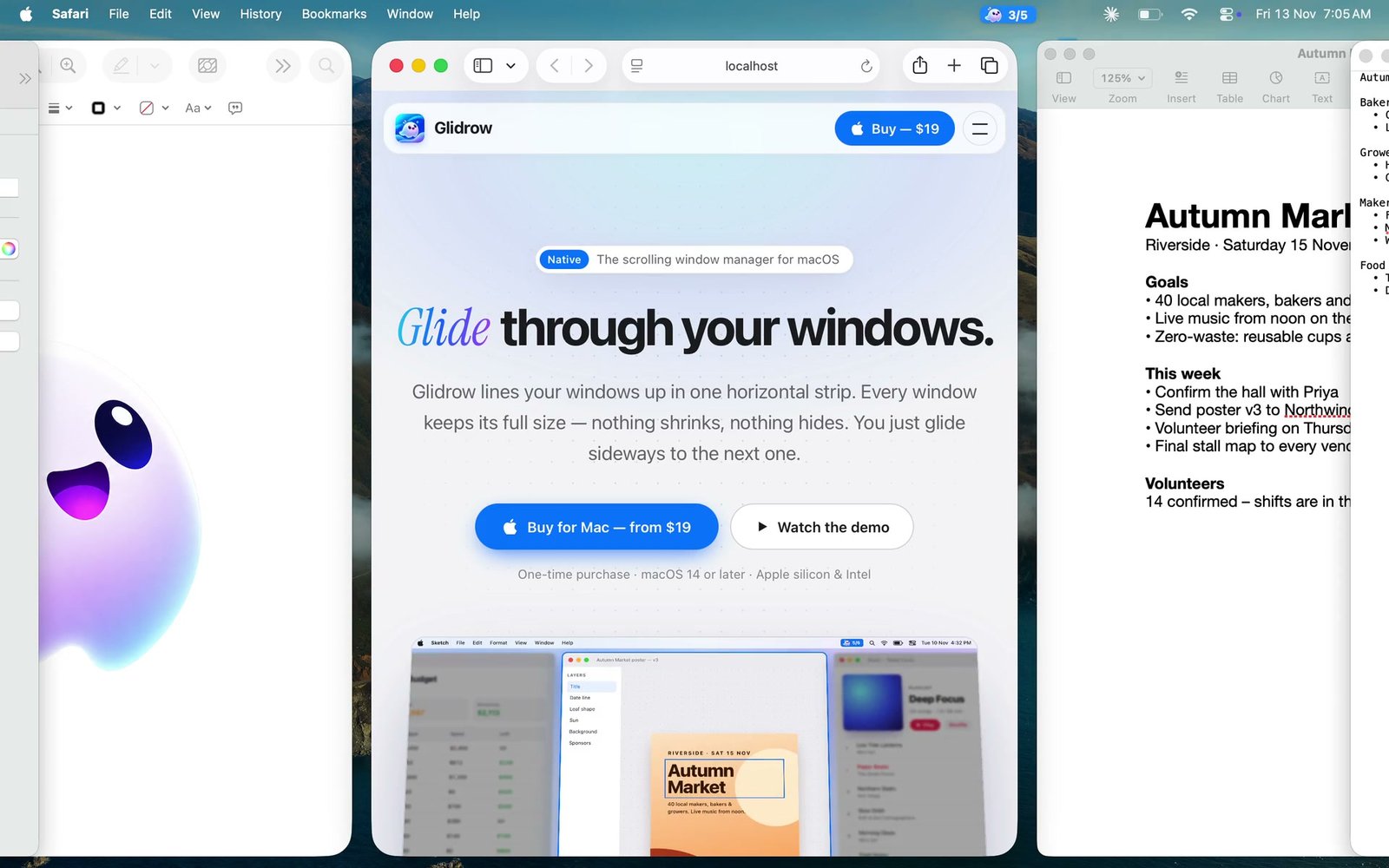
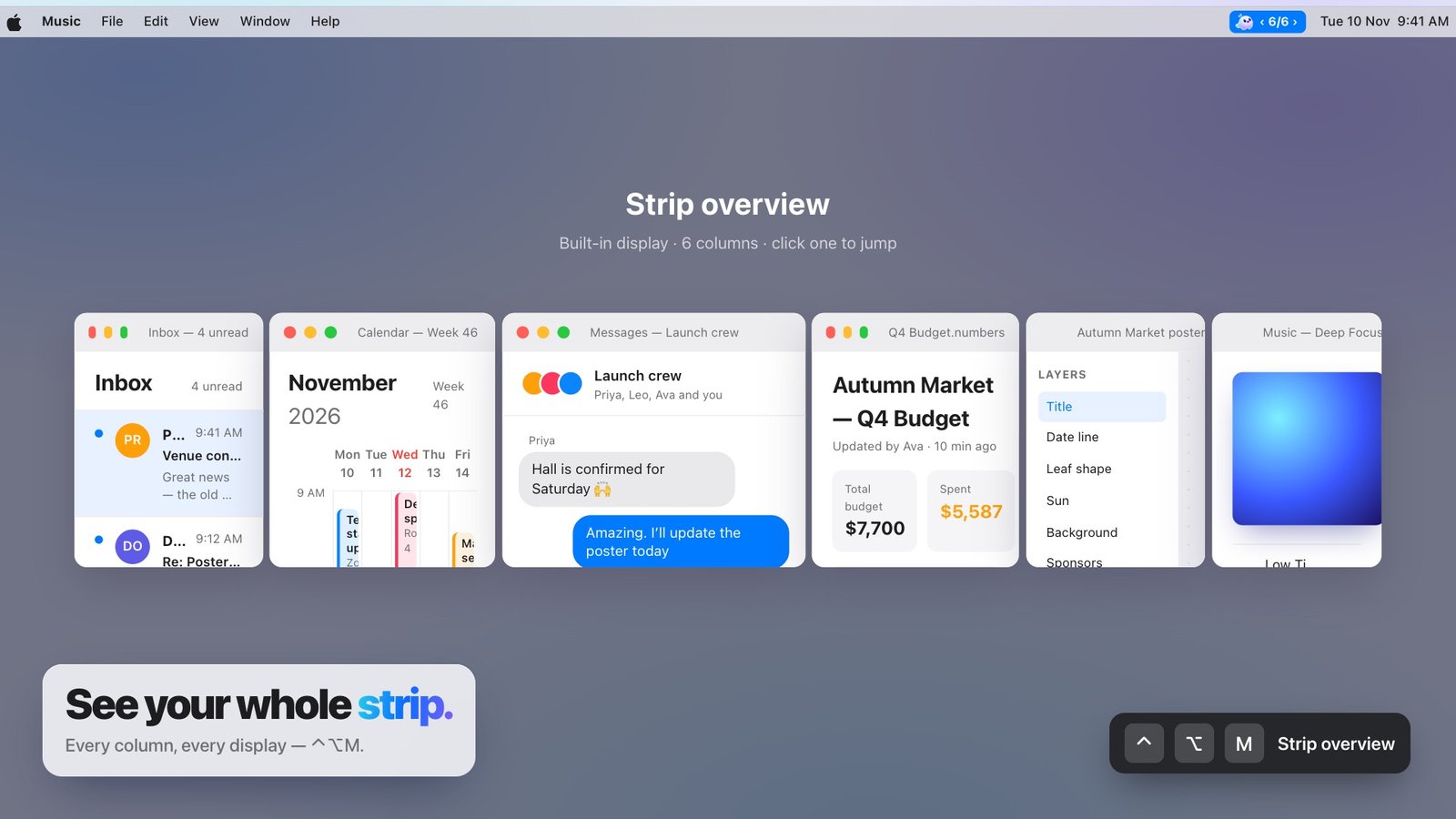
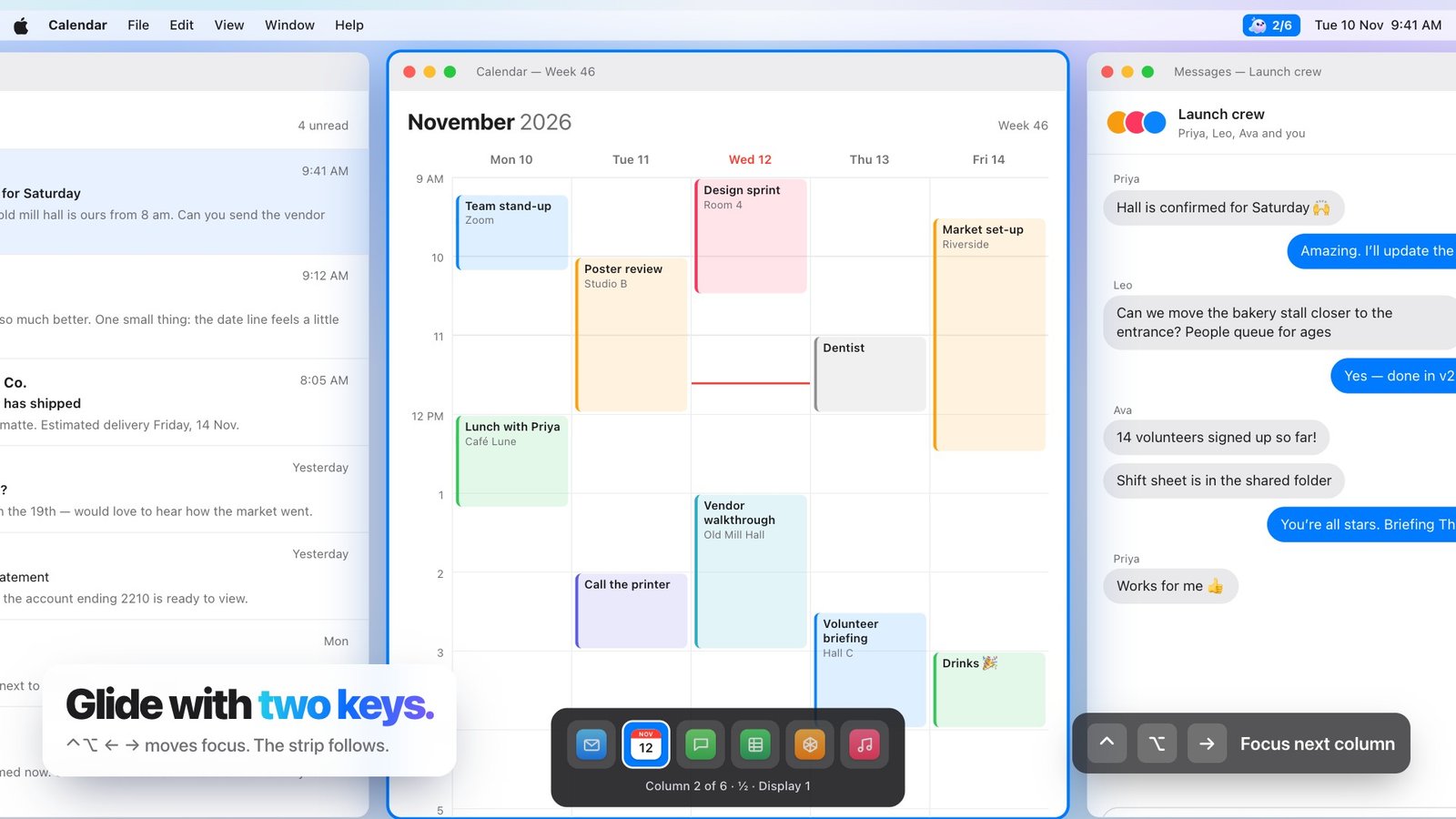
A Glidrow workspace records which apps belong together, their column order and the width of each column. It restores a working structure while leaving the windows alive and editable.
One workspace per mode
Build mode might pair an editor, browser and terminal. Planning mode might use a calendar, notes and a project board. The app list matters less than the repeatable shape of the work.
Restore, then adapt
A restored workspace is a starting point, not a locked template. Resize a column, add another app or move focus as the task changes; save again only when the new arrangement is worth keeping.