Designing trackpad gestures that stay out of the way
How Glidrow makes navigation feel direct while respecting the gestures macOS already owns.
By the Glidrow team4 min read
Key takeaways
- A three-finger horizontal swipe moves focus to the neighbouring column.
- macOS may already use three-finger swipes for Spaces.
- Natural direction and three speed levels are enough to make the strip feel personal without turning gesture settings into a control panel.
A good gesture feels like moving the thing itself. A bad gesture feels like a secret command you have to remember.
One gesture, one spatial idea
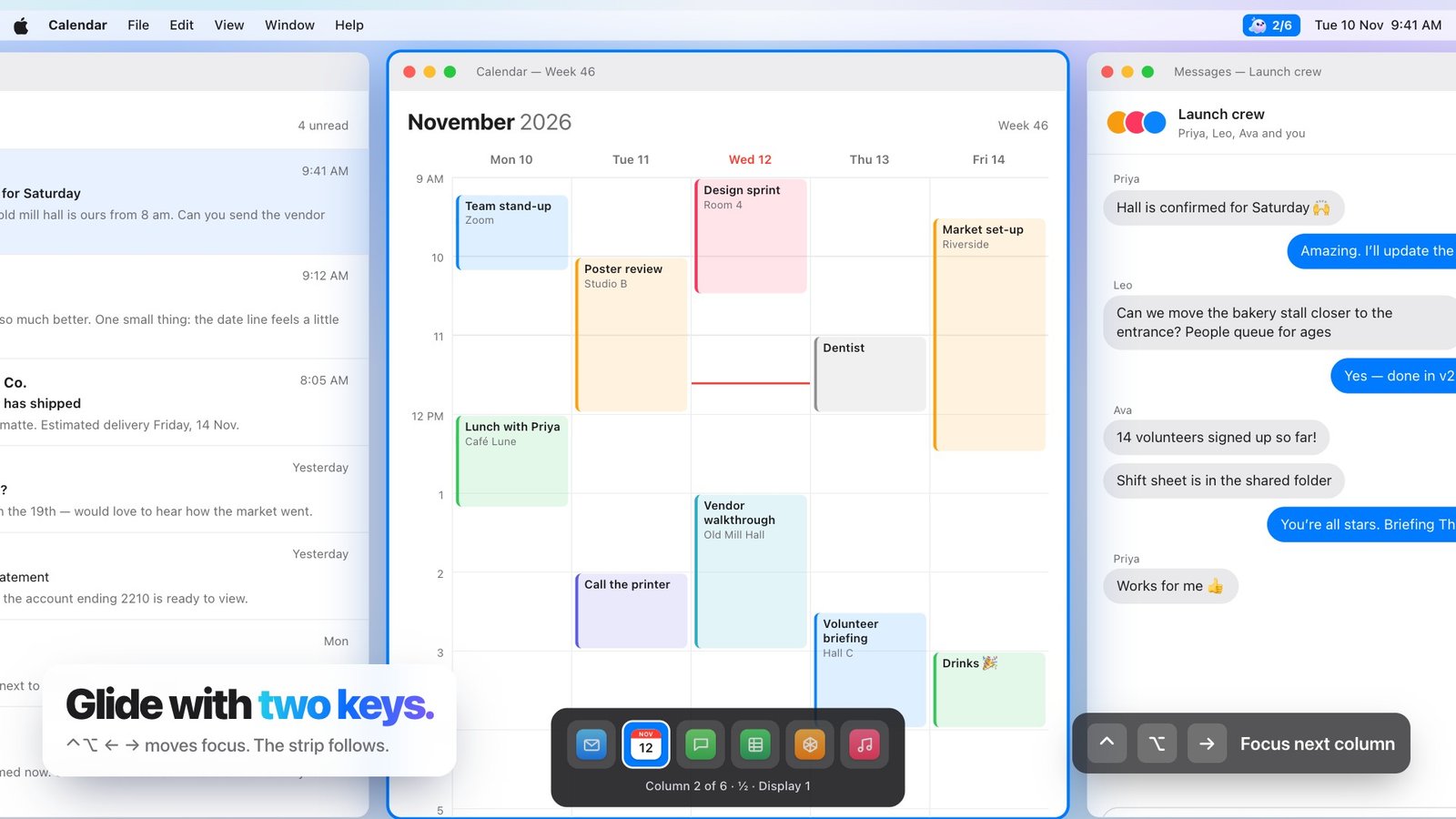
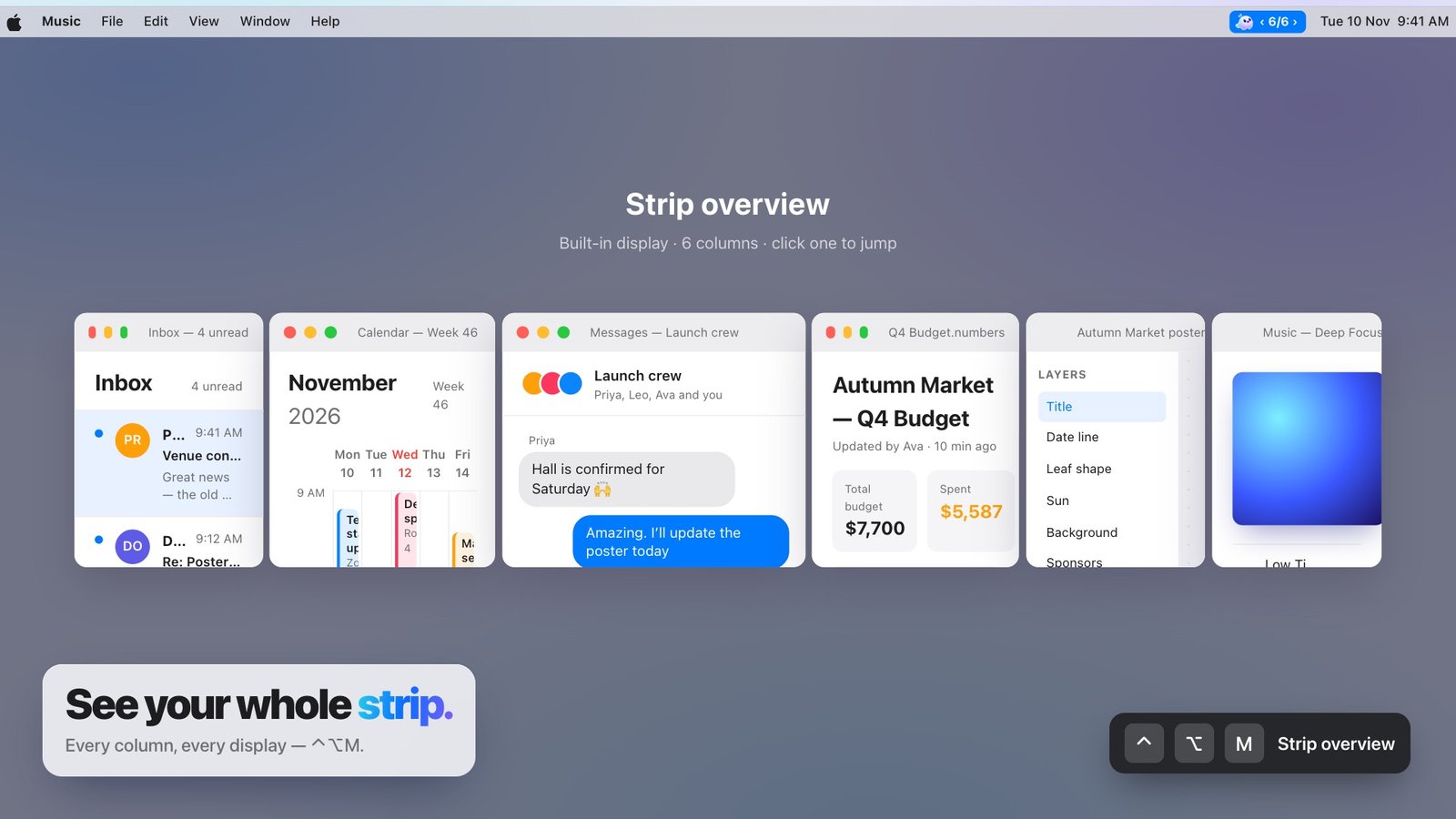
A three-finger horizontal swipe moves focus to the neighbouring column. Holding Option while scrolling slides the strip continuously. Pinching opens the overview. Each action matches the motion it produces.
Respect system conventions
macOS may already use three-finger swipes for Spaces. Glidrow makes every gesture optional and explains the conflict instead of silently taking over.
Tune without complexity
Natural direction and three speed levels are enough to make the strip feel personal without turning gesture settings into a control panel.