A calmer way to work with five apps open
A practical strip for an editor, browser, terminal, notes and chat—without turning your desktop into a puzzle.
By the Glidrow team5 min read
Key takeaways
- Give the editor or design tool a generous column.
- A terminal, chat window or task list rarely needs the same width as the primary app.
- Once the strip feels right, save it as a workspace.
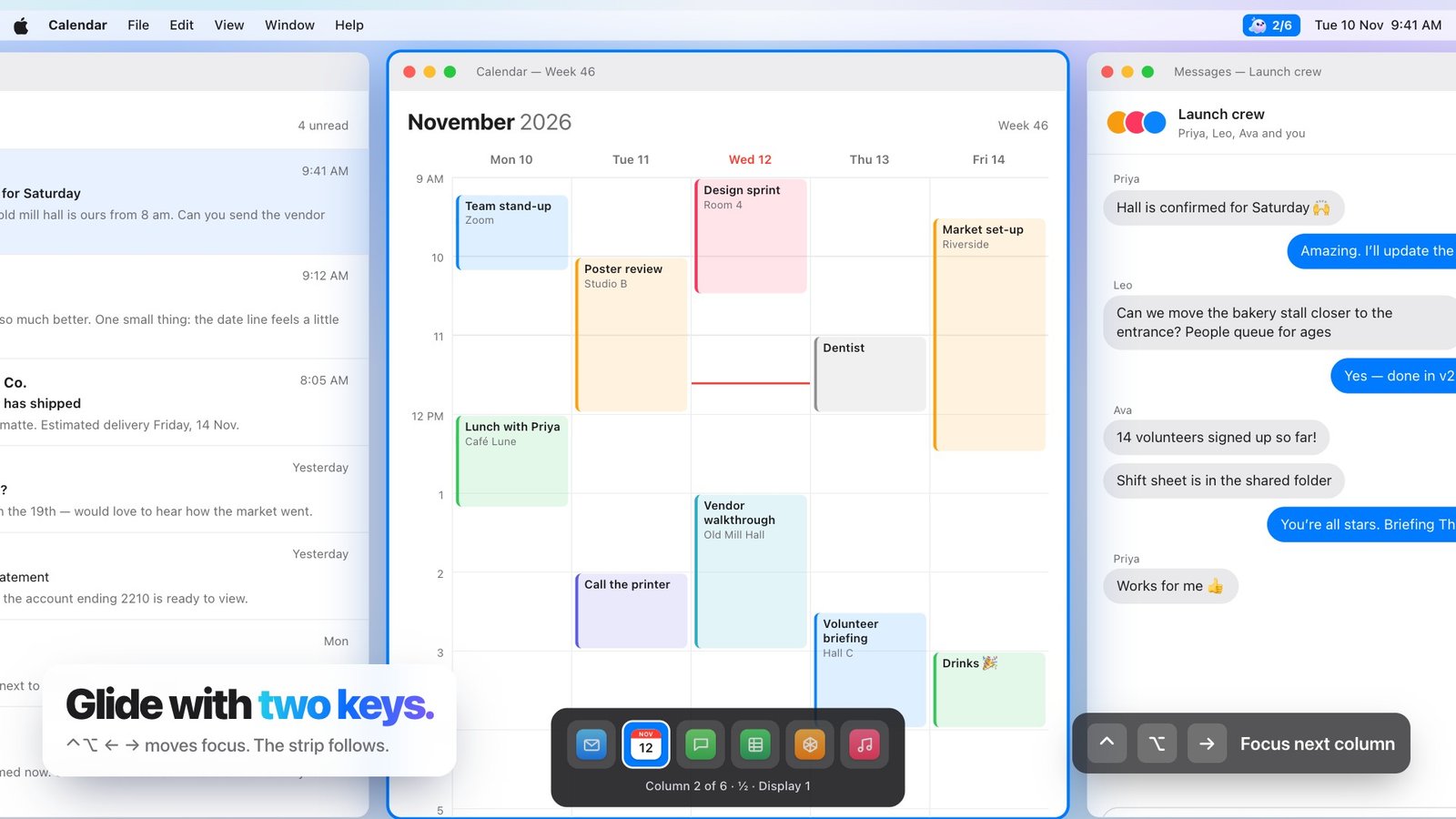
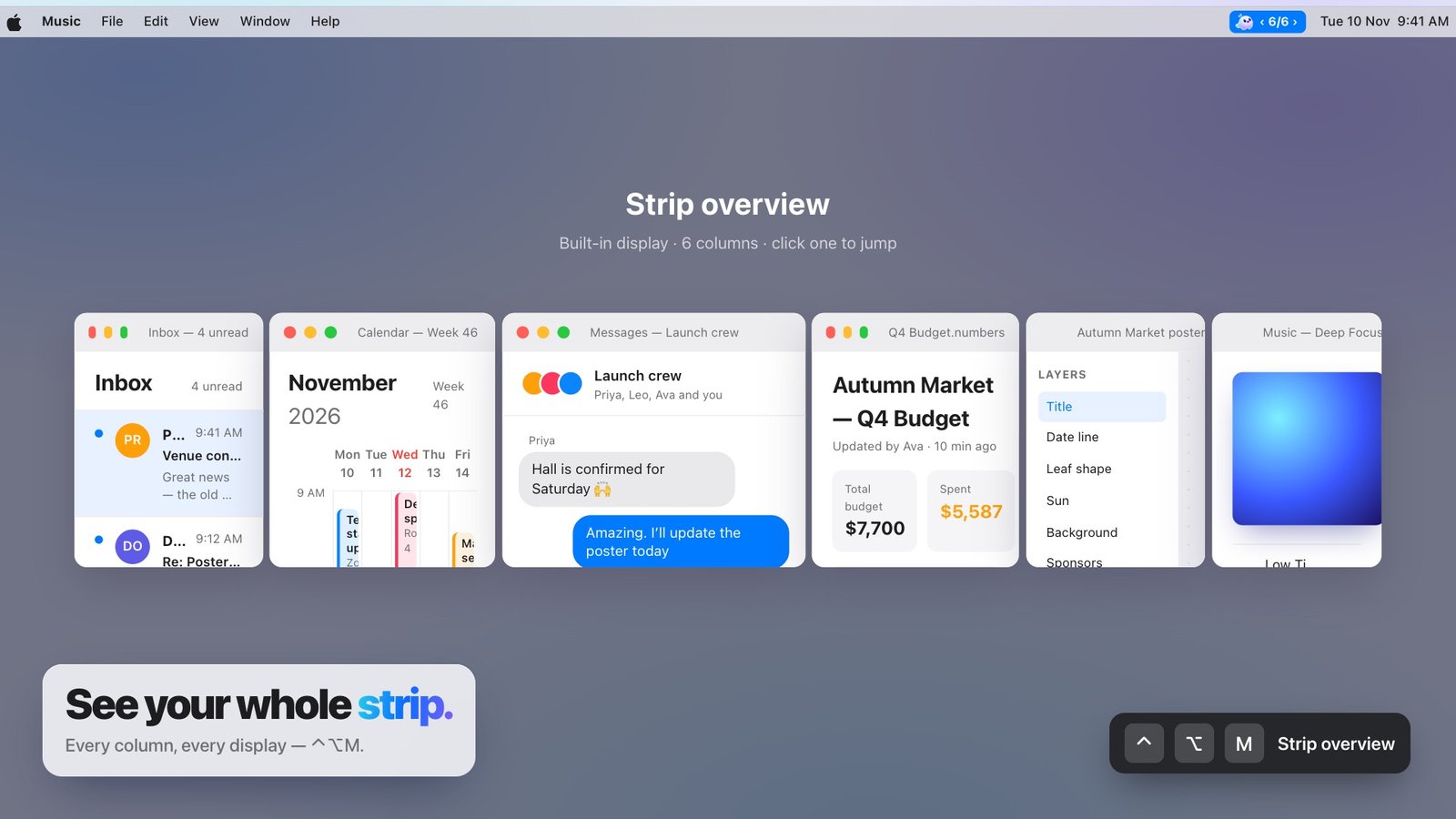
Five apps is not an unusual workload. The problem begins when all five demand the same rectangle of screen at the same time.
Start with the app that makes the work
Give the editor or design tool a generous column. Place its closest companion—usually a browser or preview—next to it. These become the centre of the strip.
Keep utilities narrow
A terminal, chat window or task list rarely needs the same width as the primary app. A one-third column keeps it useful without letting it dominate the workspace.
- Editor at two-thirds
- Browser at one-half
- Terminal and chat at one-third
- Notes at one-half
Save the finished arrangement
Once the strip feels right, save it as a workspace. The next time you start that kind of work, restore the apps, order and widths together instead of rebuilding the desktop by hand.