Why your windows should scroll, not shrink
Tiling tries to fit every app onto one screen. A scrolling workspace asks a better question: which window do you need right now?
Key takeaways
- A display is only the part of your workspace you can see at one moment.
- When a window suddenly becomes smaller, its content changes too.
- The goal is not to eliminate movement.
Most window managers treat the display as a box that every open app must fit inside. That works with two windows. With five, the box becomes a grid of compromises.
The screen is not the workspace
A display is only the part of your workspace you can see at one moment. Your actual workspace is larger: the editor, browser, terminal, notes, messages and everything else involved in the task.
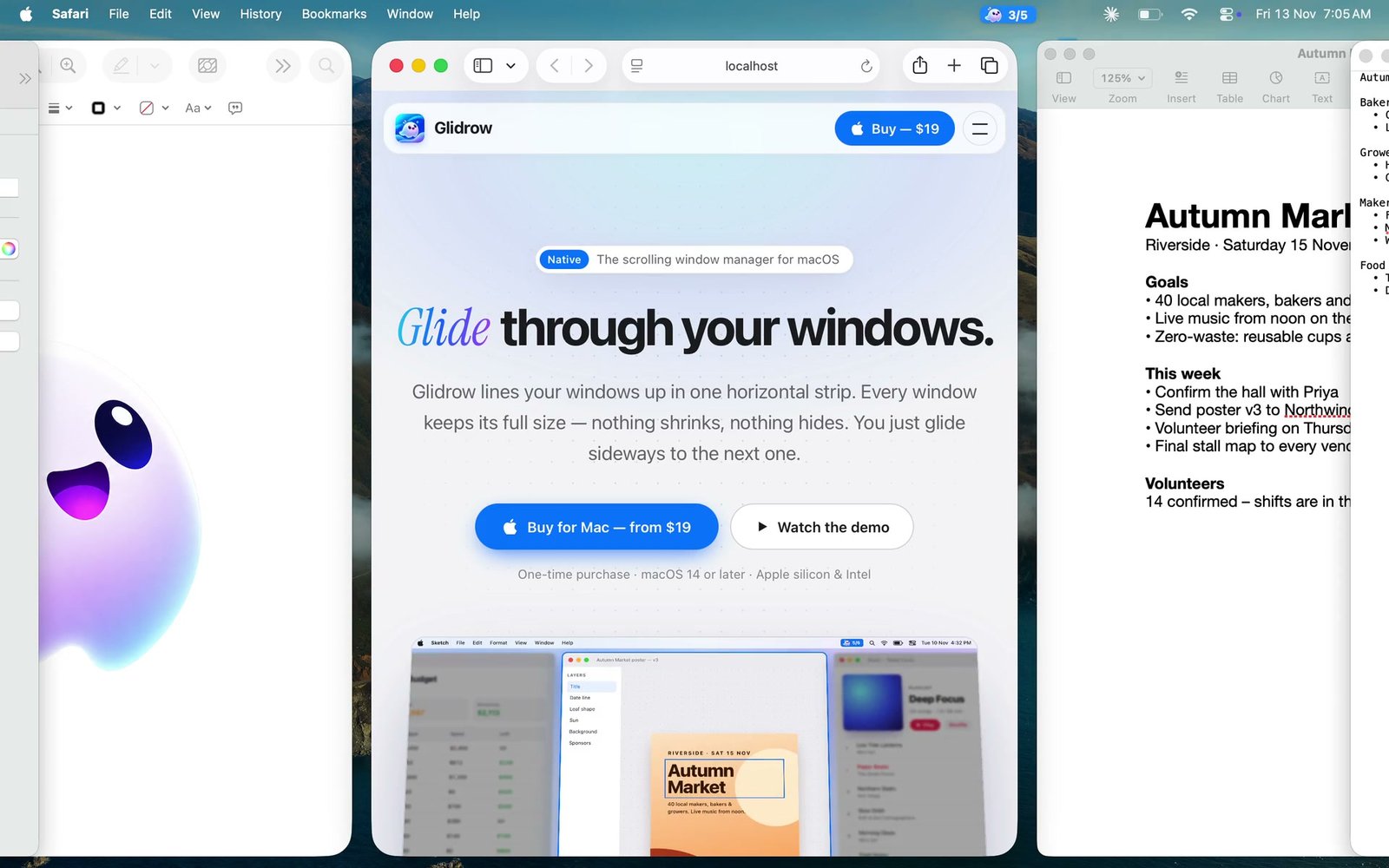
Glidrow keeps that workspace in one horizontal strip. Each window stays comfortably sized, while focus moves left and right through the strip.
Size is part of context
When a window suddenly becomes smaller, its content changes too. Sidebars collapse, lines wrap and controls move. Keeping a stable width preserves the visual memory you build while working.
- Code keeps a readable line length.
- Design canvases keep useful room around the work.
- Documents and research remain easy to scan.
Movement beats rearrangement
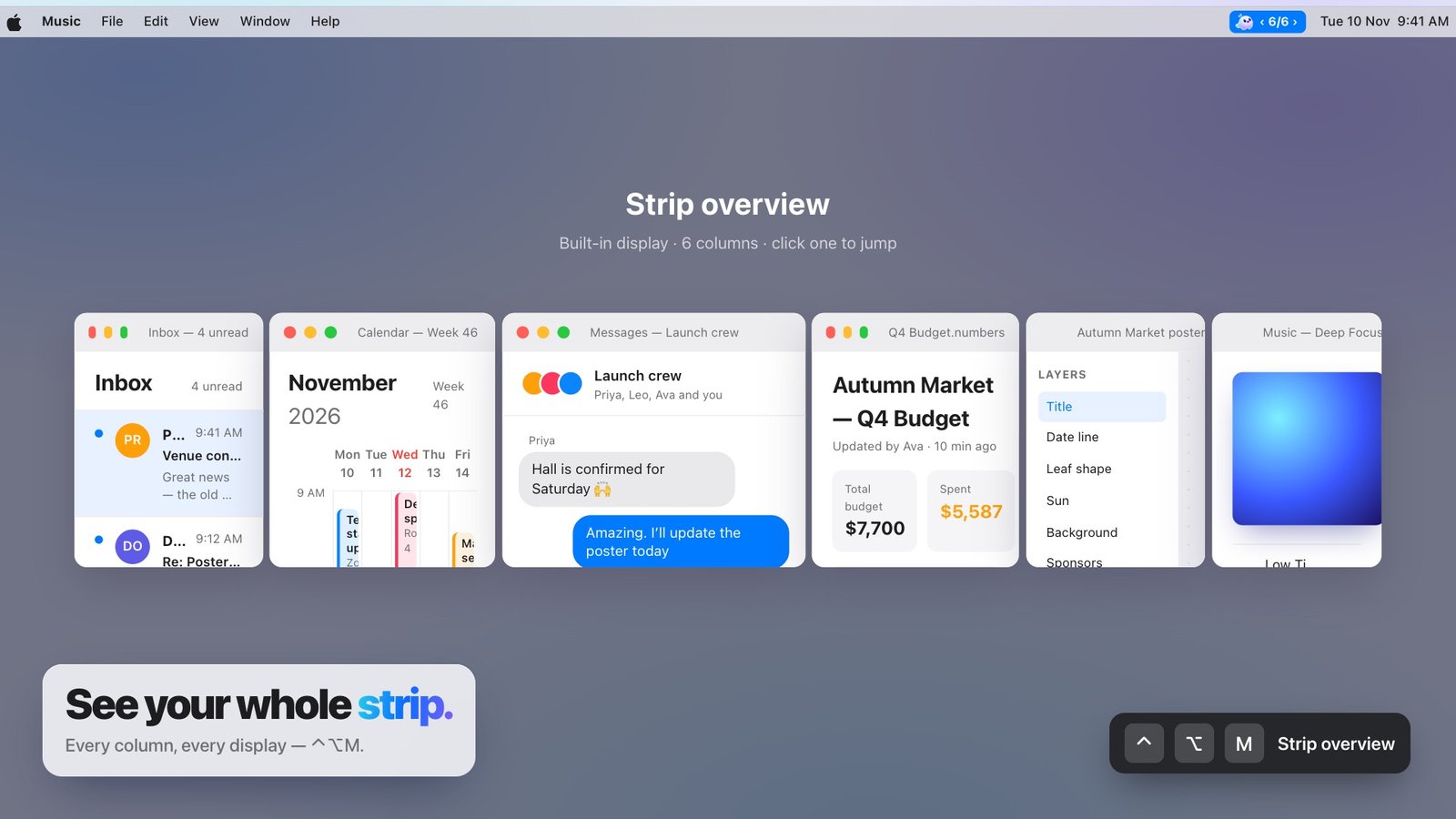
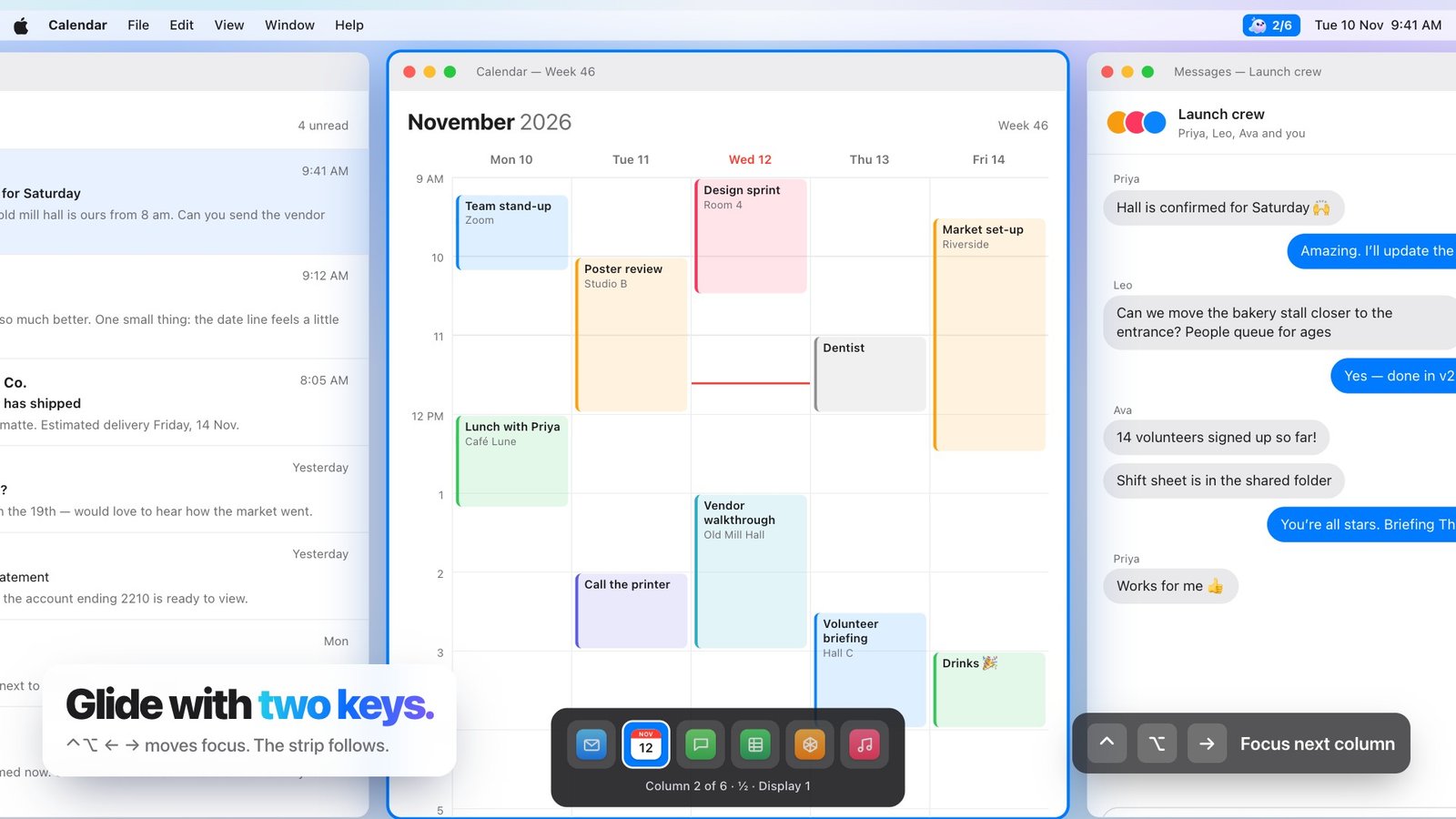
The goal is not to eliminate movement. It is to make movement predictable. One shortcut or trackpad gesture advances to the next column; an overview shows the whole strip when you need the map.
Nothing has to be repeatedly resized or dragged back into place. The arrangement stays put, and you move through it.