Multiple displays without losing your place
Treat each screen as its own strip, then move windows between them without rebuilding either workspace.
By the Glidrow team5 min read
Key takeaways
- Keep the active production strip on the main display and supporting material on the other.
- A single shortcut sends the focused window to the next display.
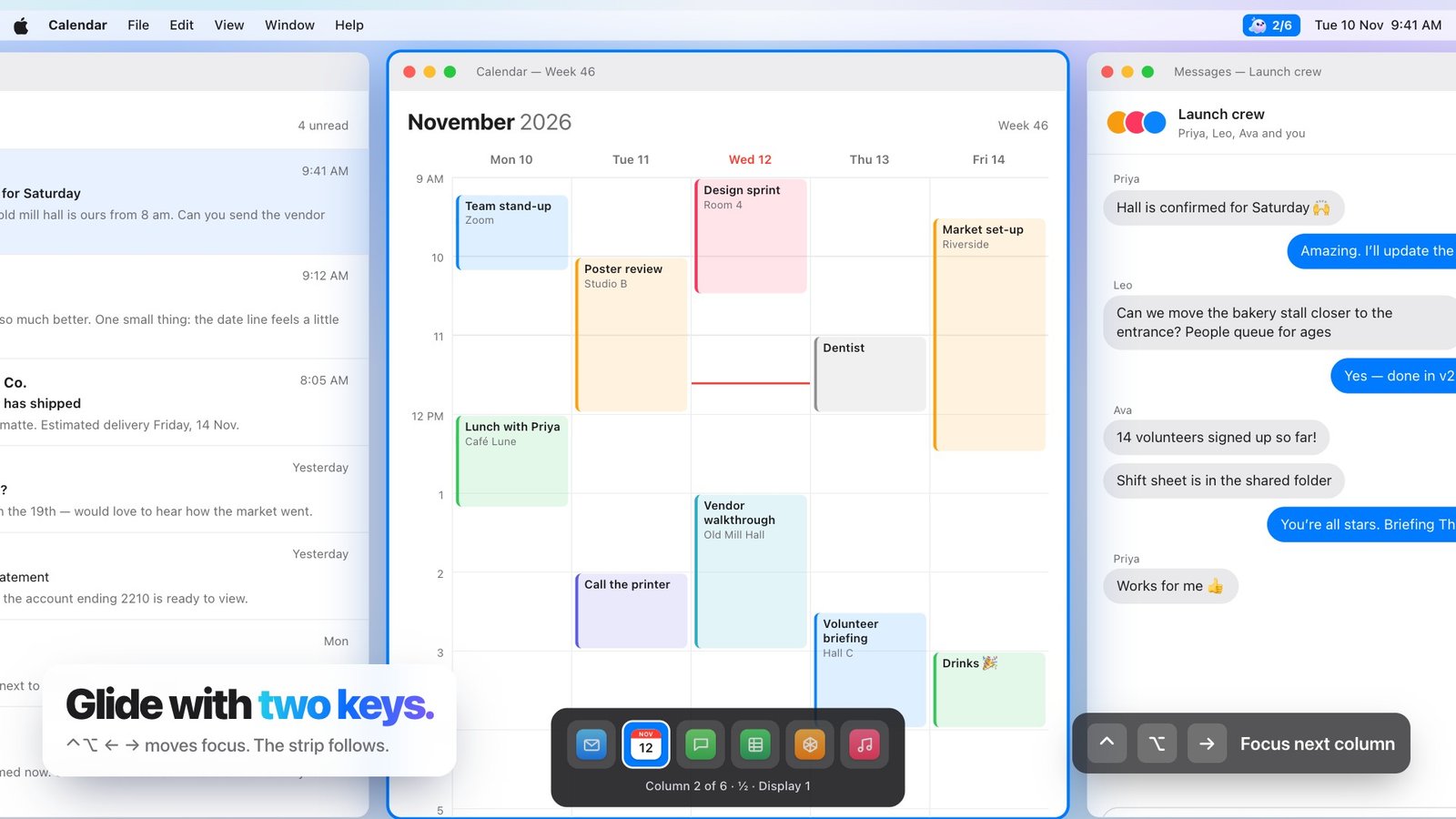
- Moving through columns affects the strip on the display you are using.
A second display should create more room, not a second pile of windows to manage.
Give each display a purpose
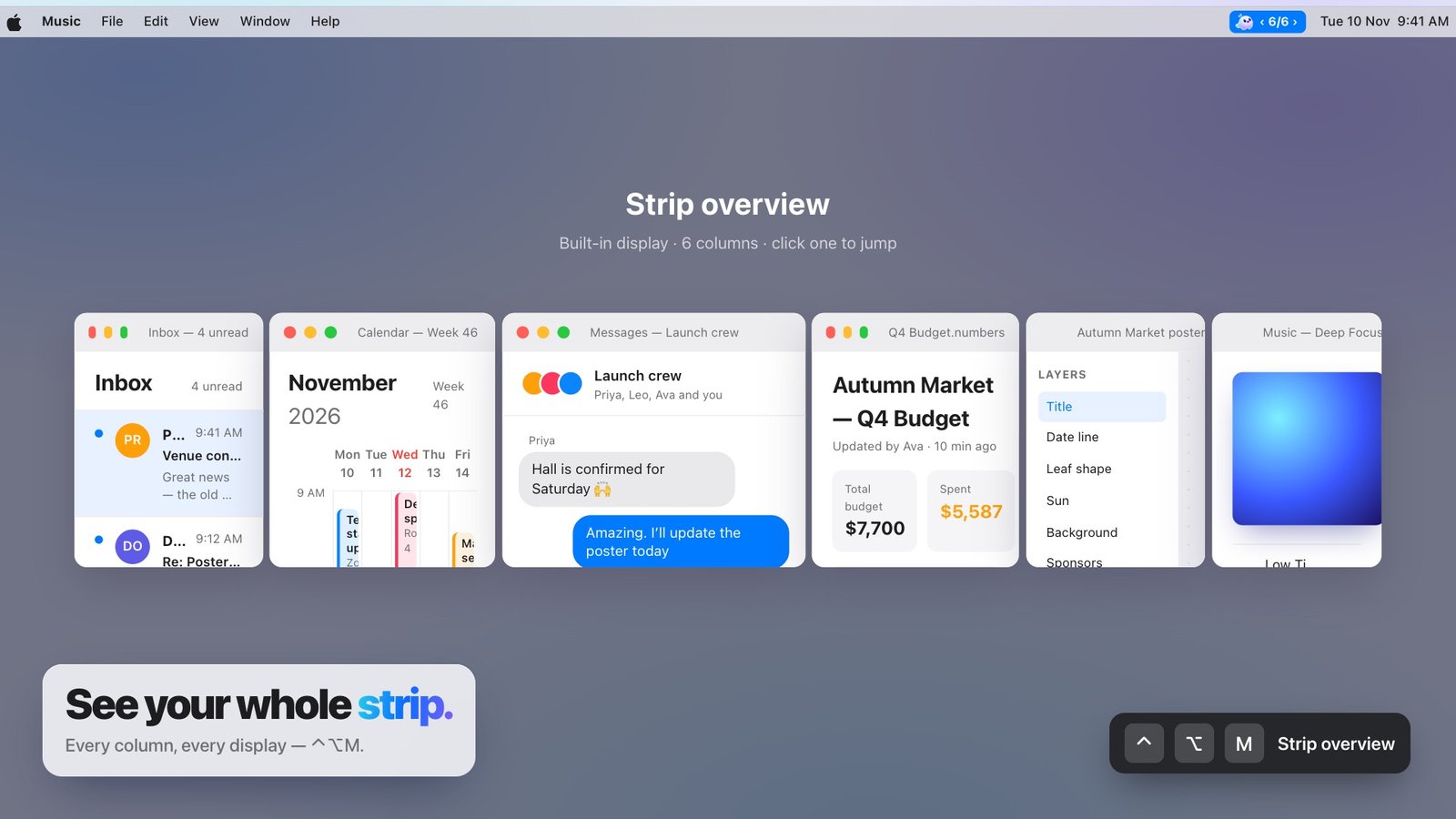
Keep the active production strip on the main display and supporting material on the other. Each screen remembers its own order, widths and focused column.
Move the window, not the arrangement
A single shortcut sends the focused window to the next display. The surrounding columns stay where they are, so one move does not trigger a round of repairs.