Building a window manager that feels native to macOS
Why Glidrow uses Swift, system materials and familiar menu-bar patterns instead of inventing a separate desktop environment.
Key takeaways
- Glidrow is built with Swift and SwiftUI, uses system typography and materials, and lives in the menu bar.
- macOS requires Accessibility permission to read, move and resize other apps' windows.
- Every automatic decision has a manual counterpart: pause the strip, float a window, ignore an app or restore a saved workspace.
Window management reaches into the most familiar part of the Mac. That makes restraint more important than novelty.
Use the platform's language
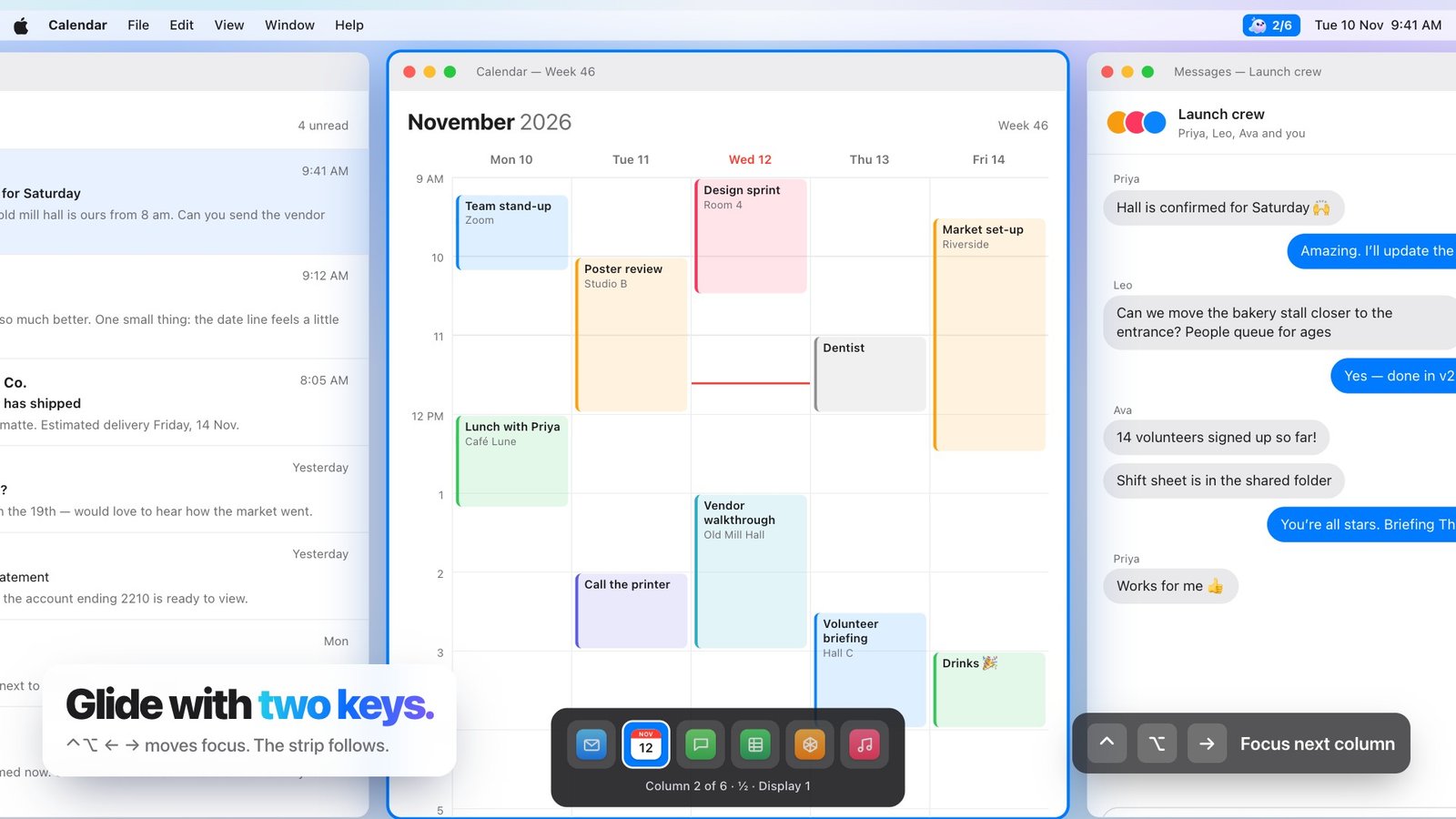
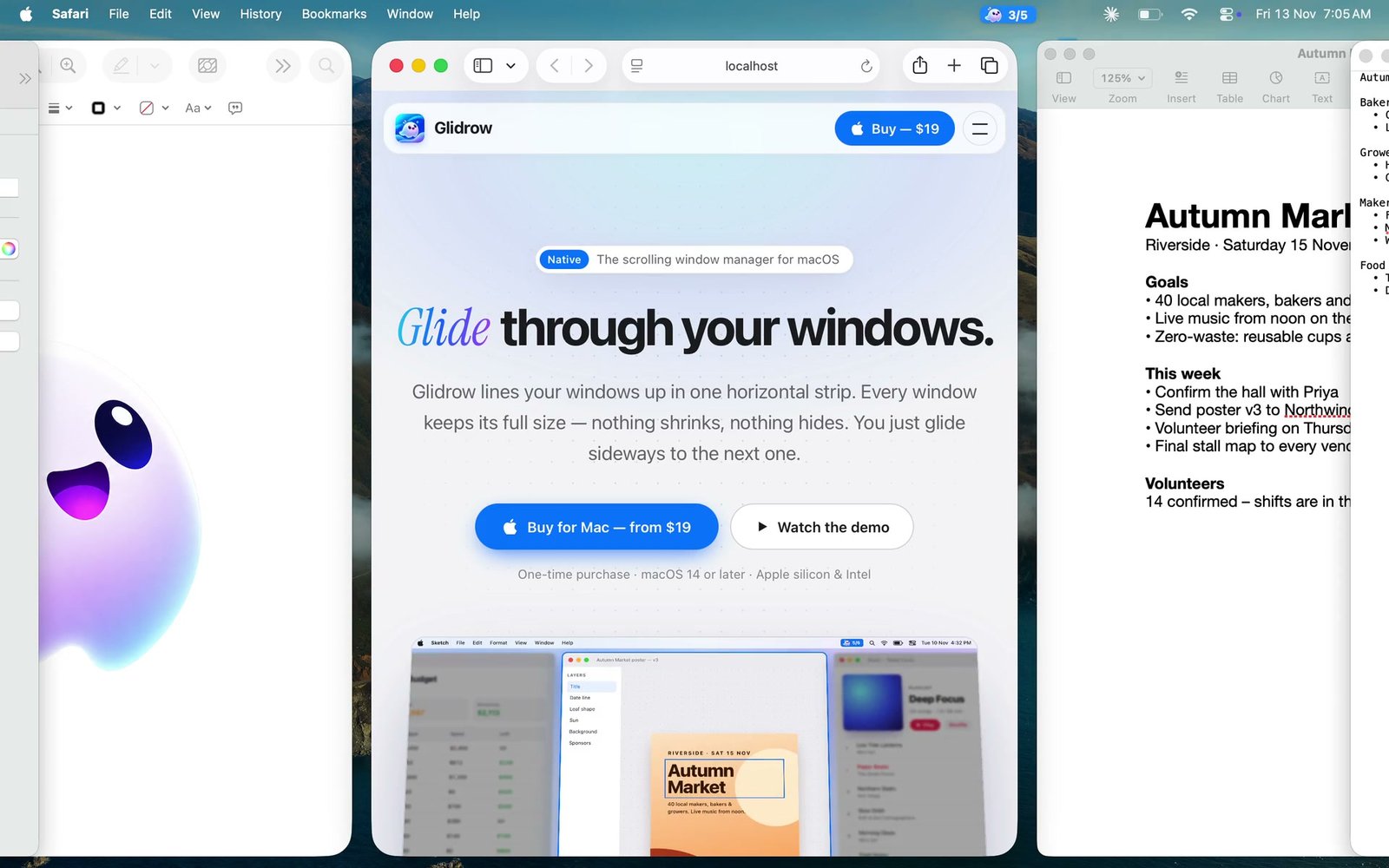
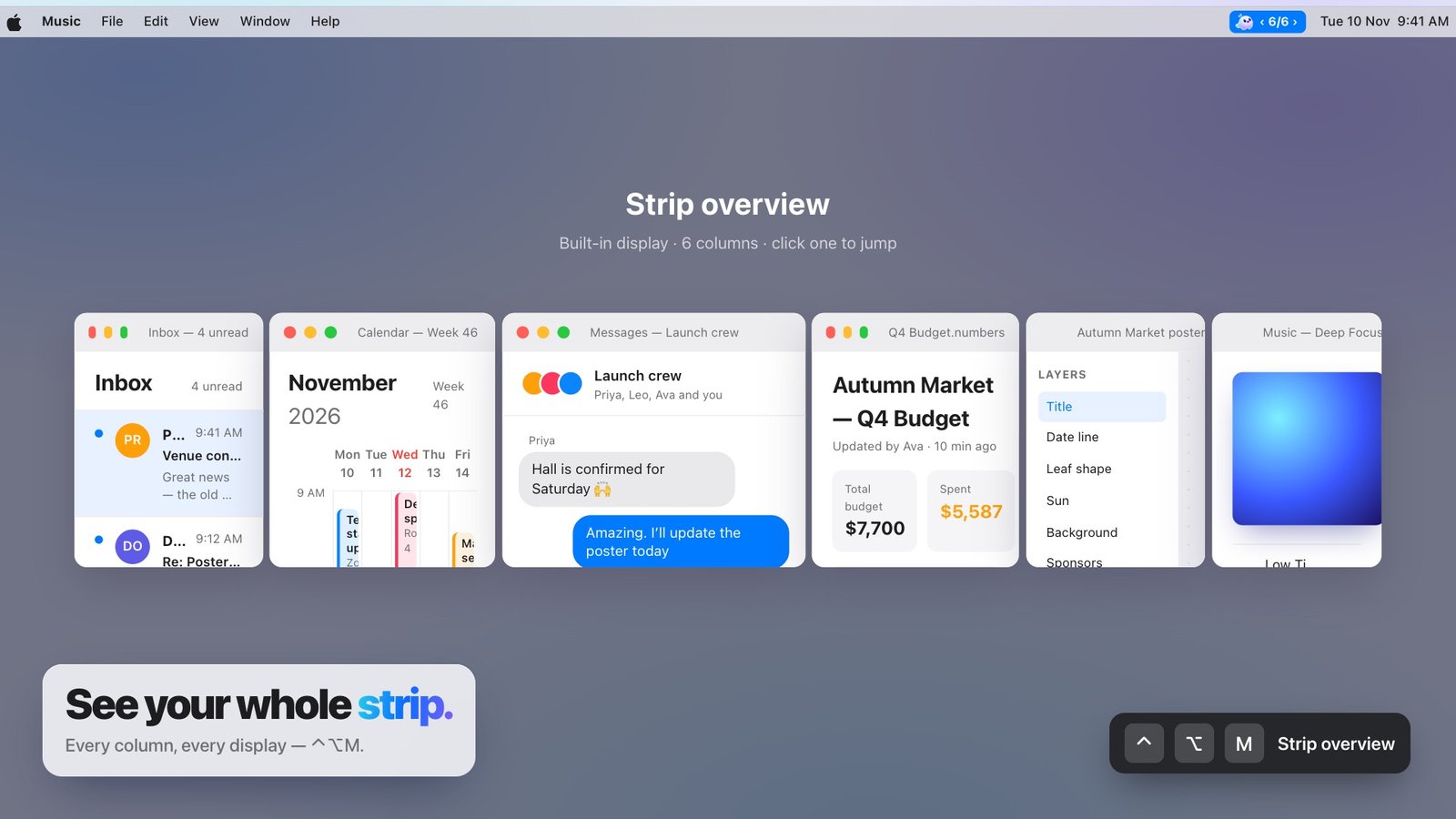
Glidrow is built with Swift and SwiftUI, uses system typography and materials, and lives in the menu bar. The controls should feel understandable before anyone reads the guide.
Ask only for the access the job needs
macOS requires Accessibility permission to read, move and resize other apps' windows. Glidrow uses that access for window management and keeps onboarding explicit about why it is necessary.
Make automation reversible
Every automatic decision has a manual counterpart: pause the strip, float a window, ignore an app or restore a saved workspace. Predictability comes from always having a clear way back.