A shortcut system you can remember
Good shortcuts form a small language: move, shape and overview—without making every key feel arbitrary.
By the Glidrow team5 min read
Key takeaways
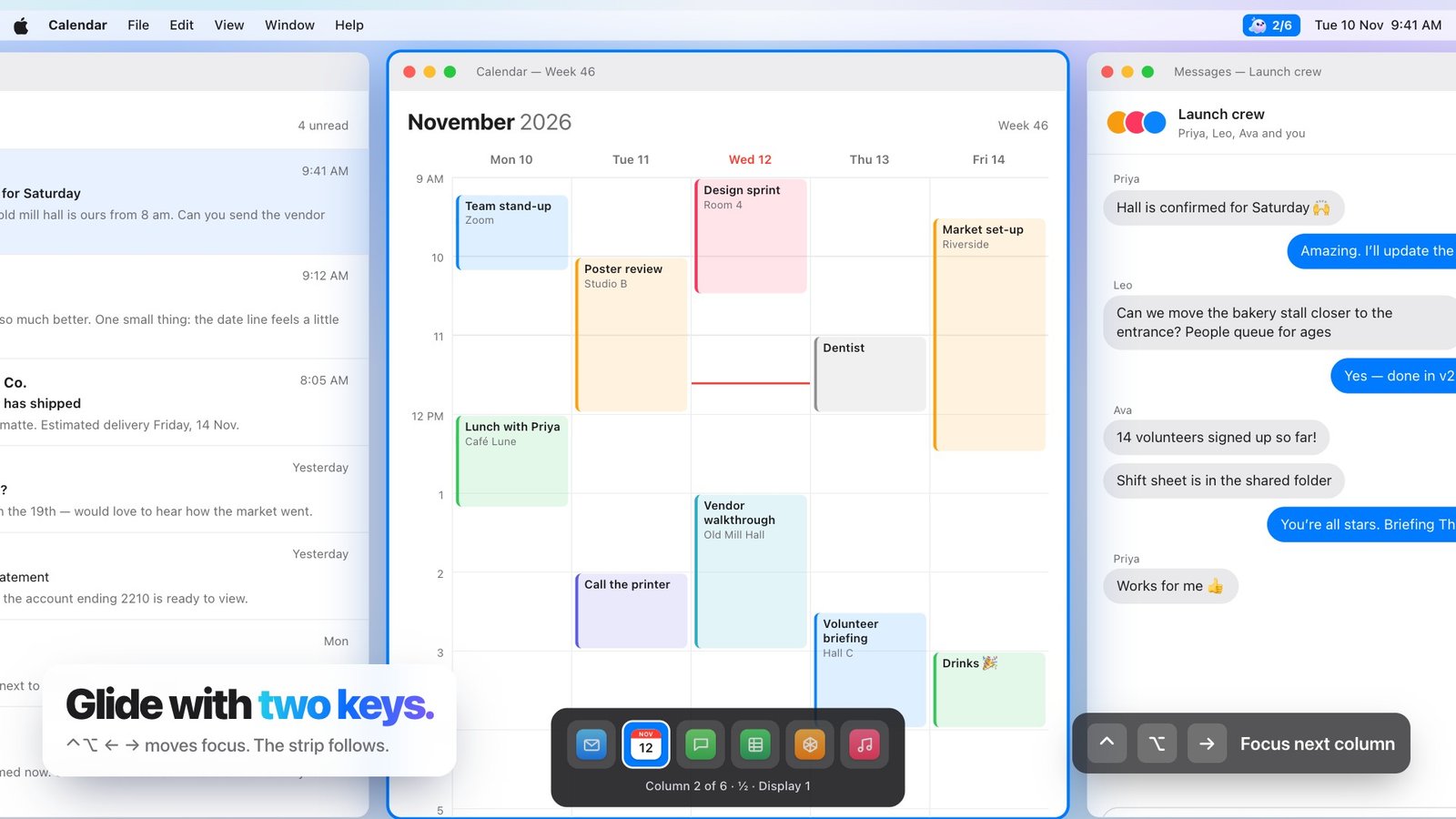
- Arrow keys move to neighbouring columns, while number keys jump directly to a known position.
- One command cycles the common widths, adjacent keys make finer changes and Space toggles floating.
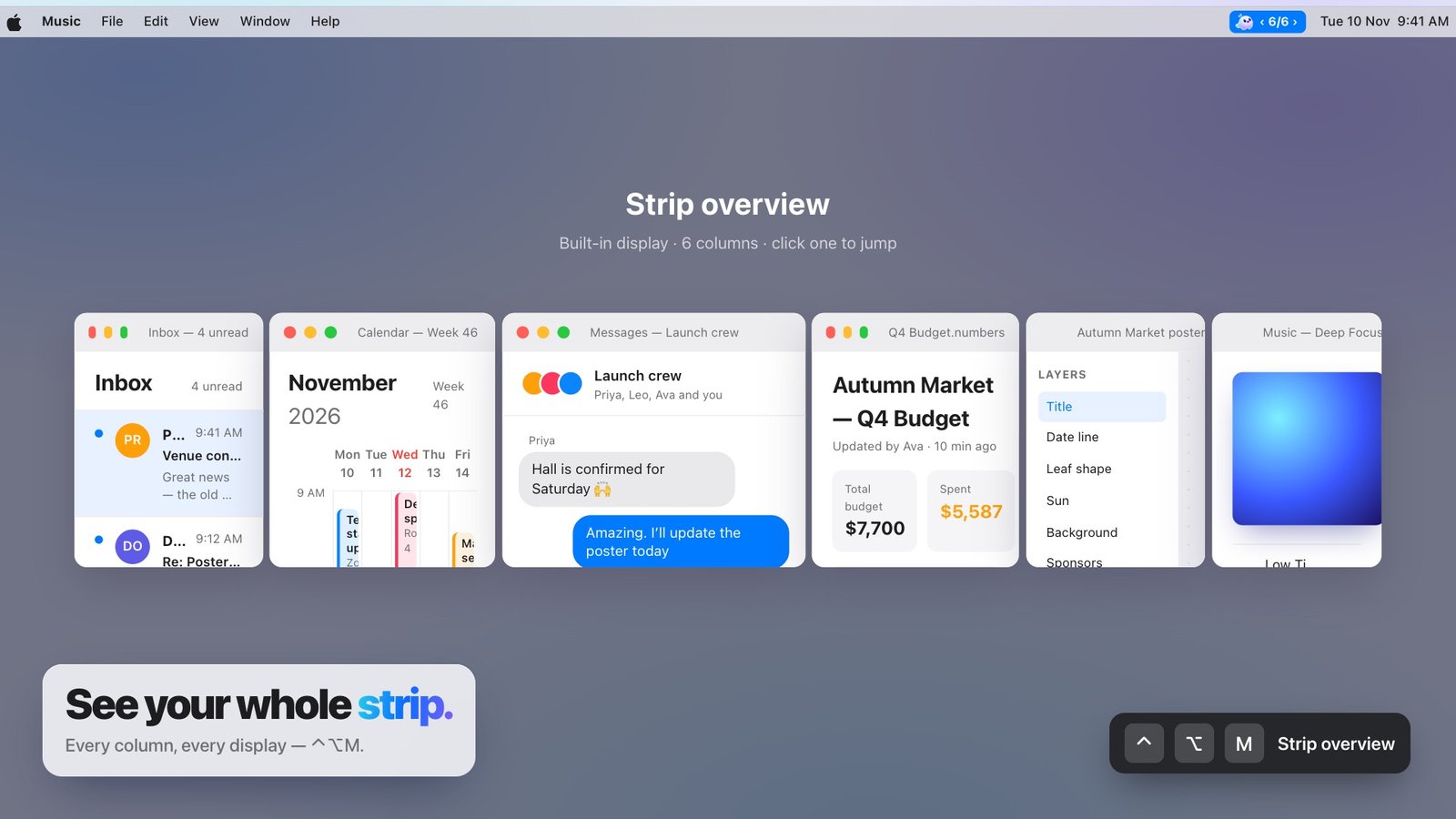
- When the strip grows beyond what you remember, the overview provides the map.
A long shortcut list is not the same as a usable shortcut system. The commands need to group into a model people can recall while working.
Move with direction
Arrow keys move to neighbouring columns, while number keys jump directly to a known position. The key mirrors the action instead of encoding a product term.
Shape with a small family
One command cycles the common widths, adjacent keys make finer changes and Space toggles floating. The set is compact enough to become muscle memory.
Use the overview as a reset
When the strip grows beyond what you remember, the overview provides the map. A shortcut system should always include a way to recover orientation.